Featured Project 03 / Full-Stack / Inventory Automation
STOCK_EASE
C# • ASP.NET Core 8 MVC • EF Core • SQL Server • SignalR
Prototype / simulated sensor input
Project insight
Overview
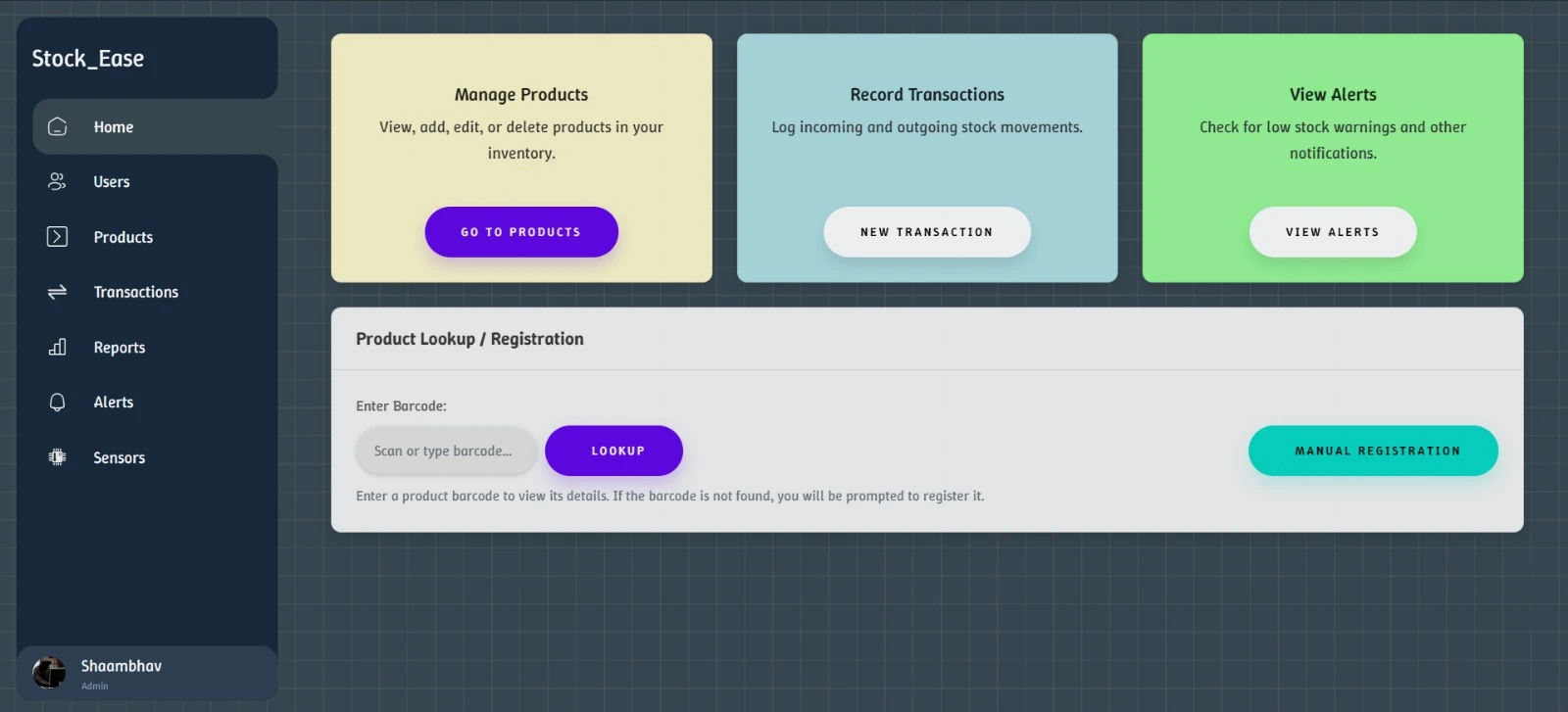
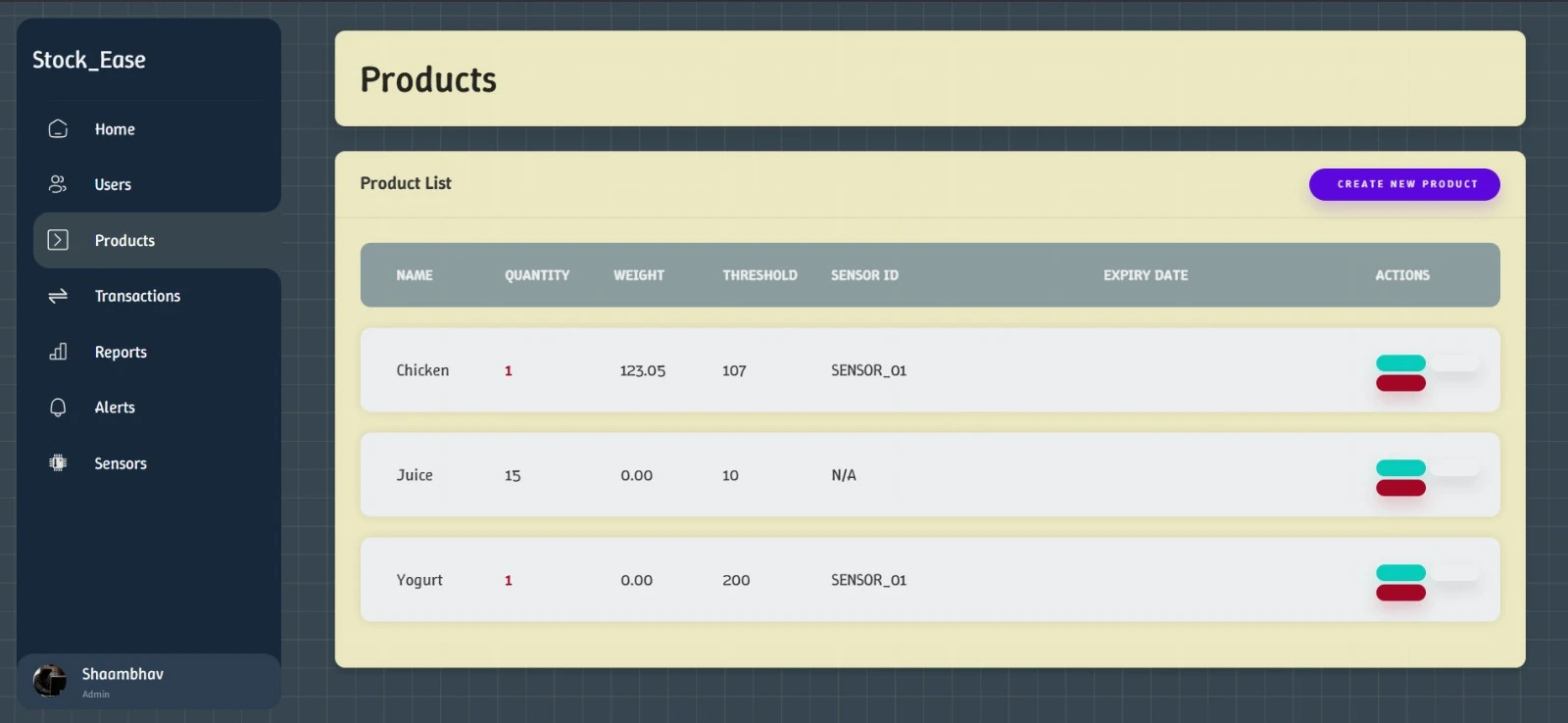
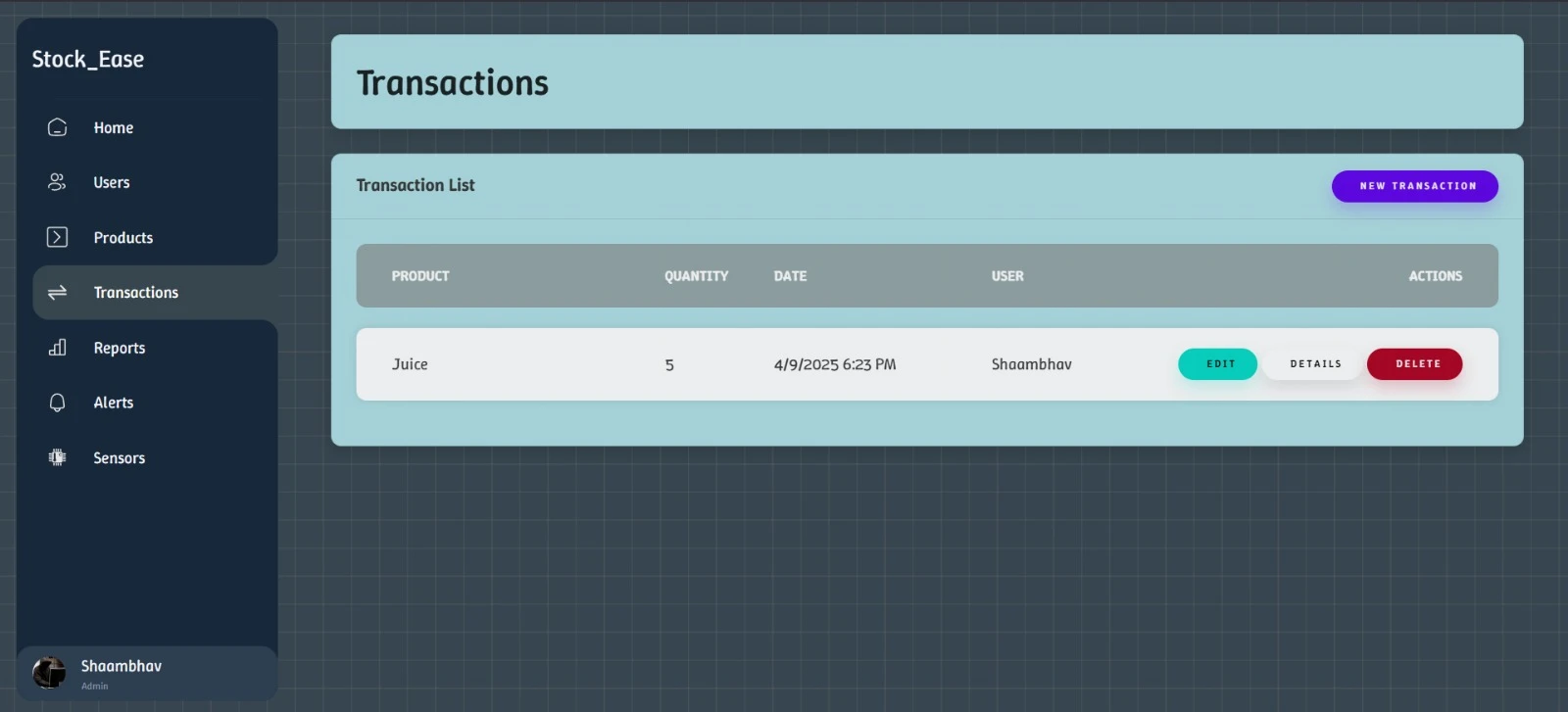
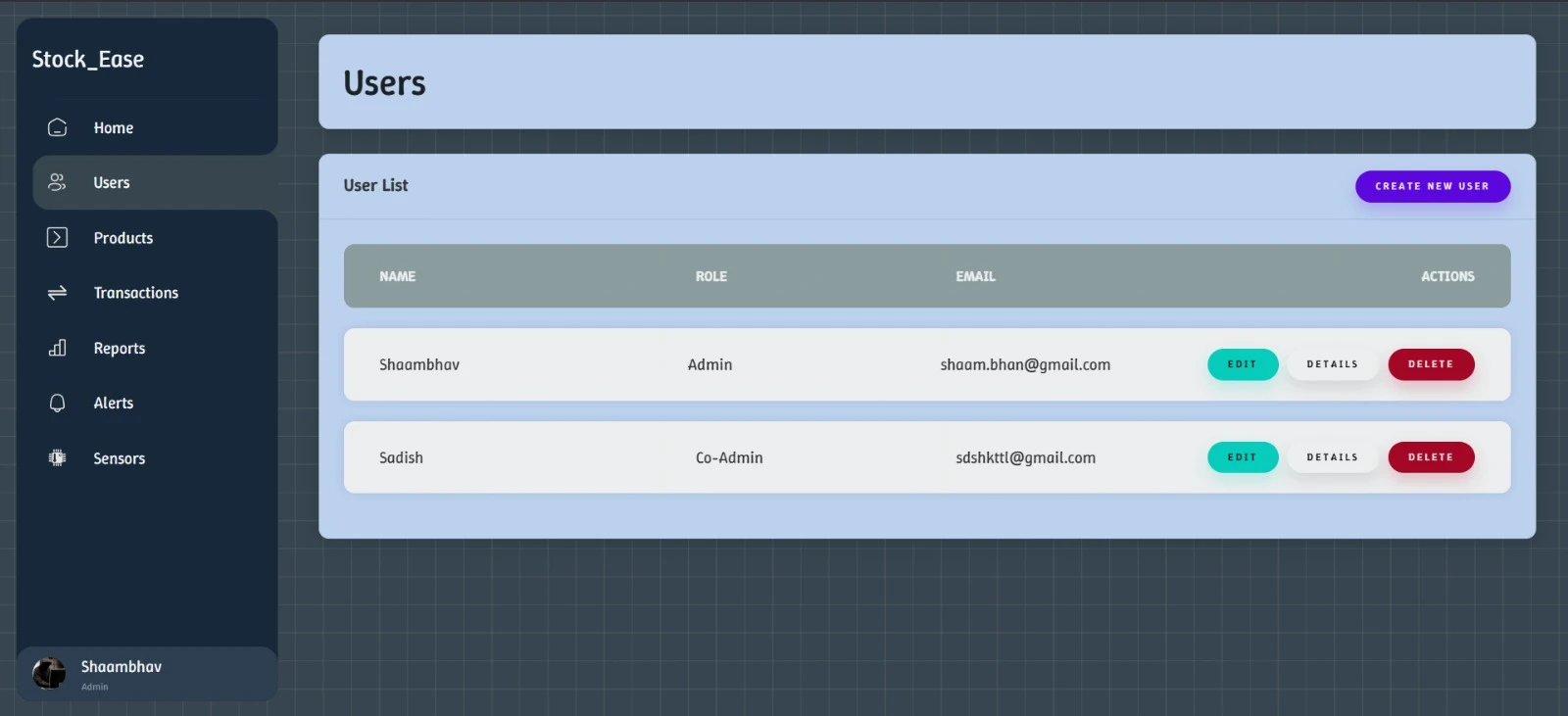
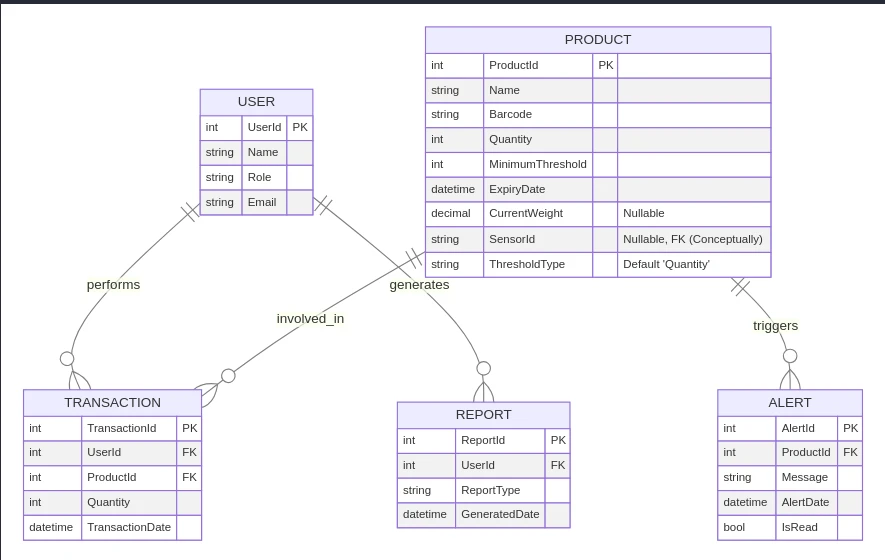
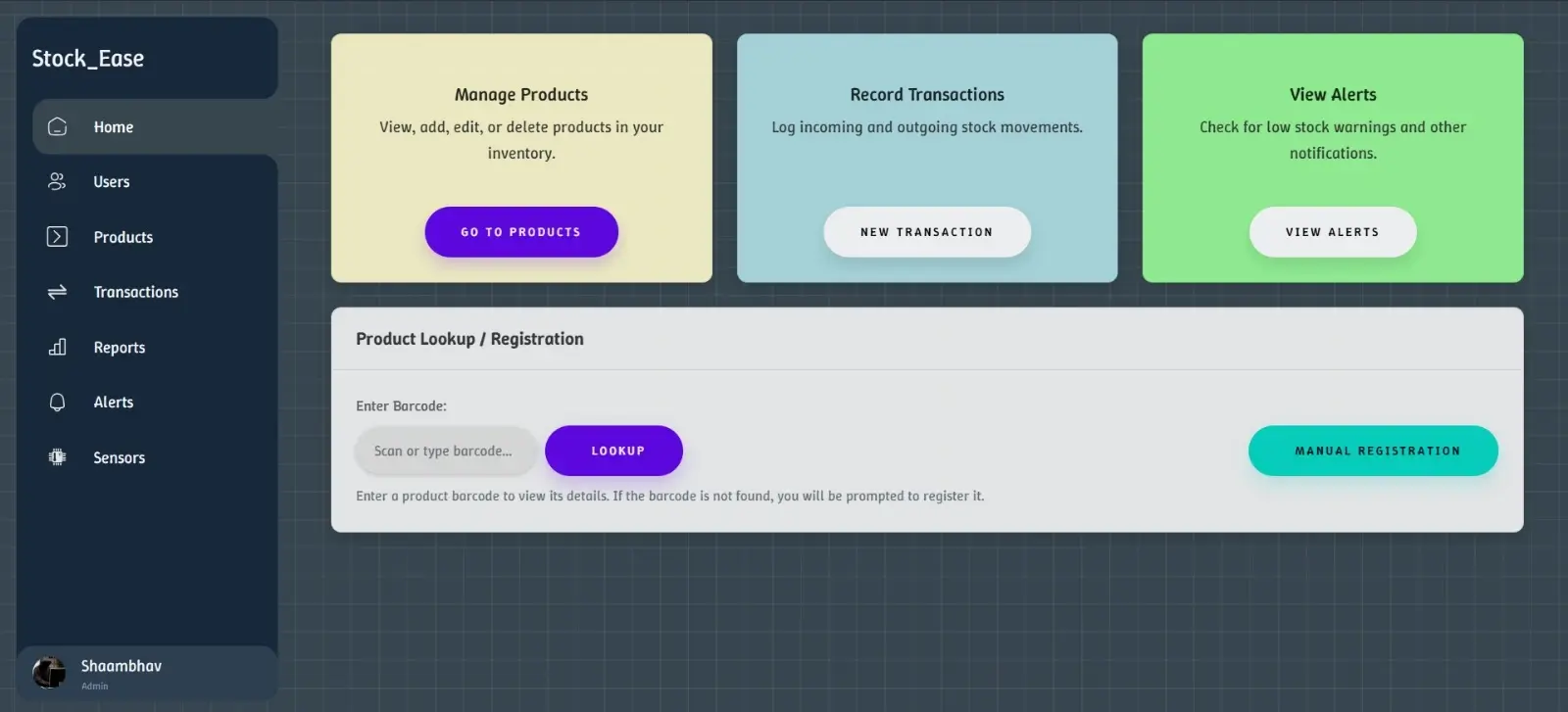
Stock_Ease is an ASP.NET Core 8 MVC inventory prototype connecting products, transactions, alerts, report records, and simulated weight-sensor input.
Problem
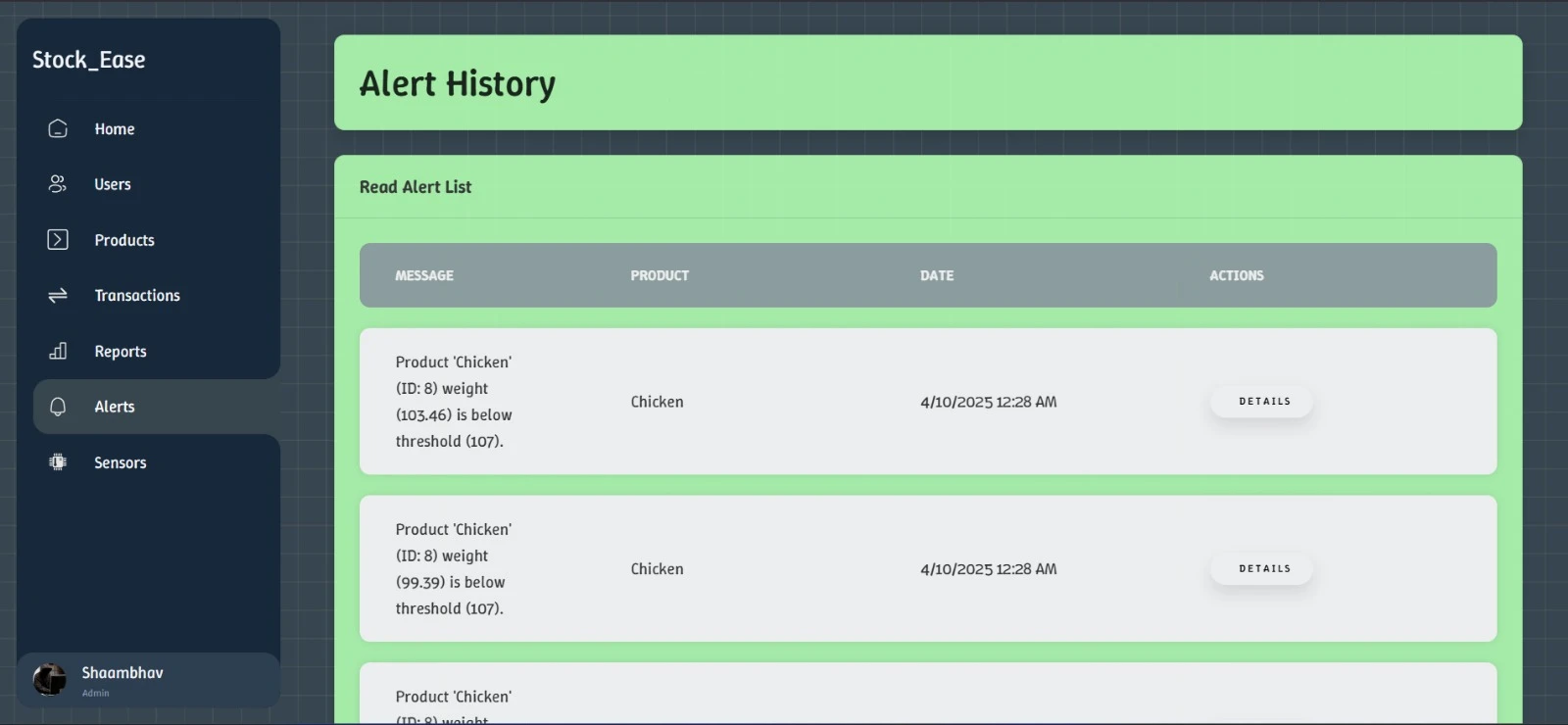
Stock adjustments and low-stock conditions need to appear consistently in database-backed workflows and the inventory interface.
My Contribution
Built C# controllers, Razor views, EF Core persistence, SignalR notifications, and a Python mock-weight integration path.
Main Technologies
- C#
- ASP.NET Core 8 MVC
- Razor
- Entity Framework Core
- SQL Server
- SignalR
- Python
- MSTest
- Moq
Key Technical Decisions
- Used MVC controllers that access DbContext directly rather than claiming a layered service or repository architecture.
- Persisted inventory entities in SQL Server while keeping sensor status and restocking timers in memory.
- Used SignalR at /transactionHub to notify clients of changes without full-page refreshes.
Challenges and Solutions
- Updating stock displays when a new simulated weight reading arrives.
- Connected the weight-ingestion API, inventory updates, and SignalR notifications to the client interface.
- Exercising the sensor-input workflow without physical equipment.
- Used a Python sender for mock weight values, keeping that simulation distinct from hardware or OCR integration.
Outcome
The public implementation connects product and transaction workflows, low-stock alerts, and mock weight input with live UI notifications.
Limitations / Verification Boundary
- Weight readings are simulated in Python; the project does not implement OCR or verify physical sensor integration.
- Reports are CRUD records, not an analytics engine.
- Authentication and authorization are incomplete, and in-memory sensor status does not survive application restarts.
- The audited revision is not clean-build certified or presented as production-ready.
- The portfolio stock demonstration illustrates the workflow rather than connecting to a live SQL Server or sensor.
Evidence / Sources
- README: inventory workflows and setup (opens in a new tab)
- Application source: controllers, persistence, and SignalR (opens in a new tab)
Reviewed 2026-09-05 / Revision 43a2260
Interactive Walkthrough
Local educational sample only. No deployed backend, hardware connection, network scan, or embedded interpreter.
Walkthrough not running
Gallery